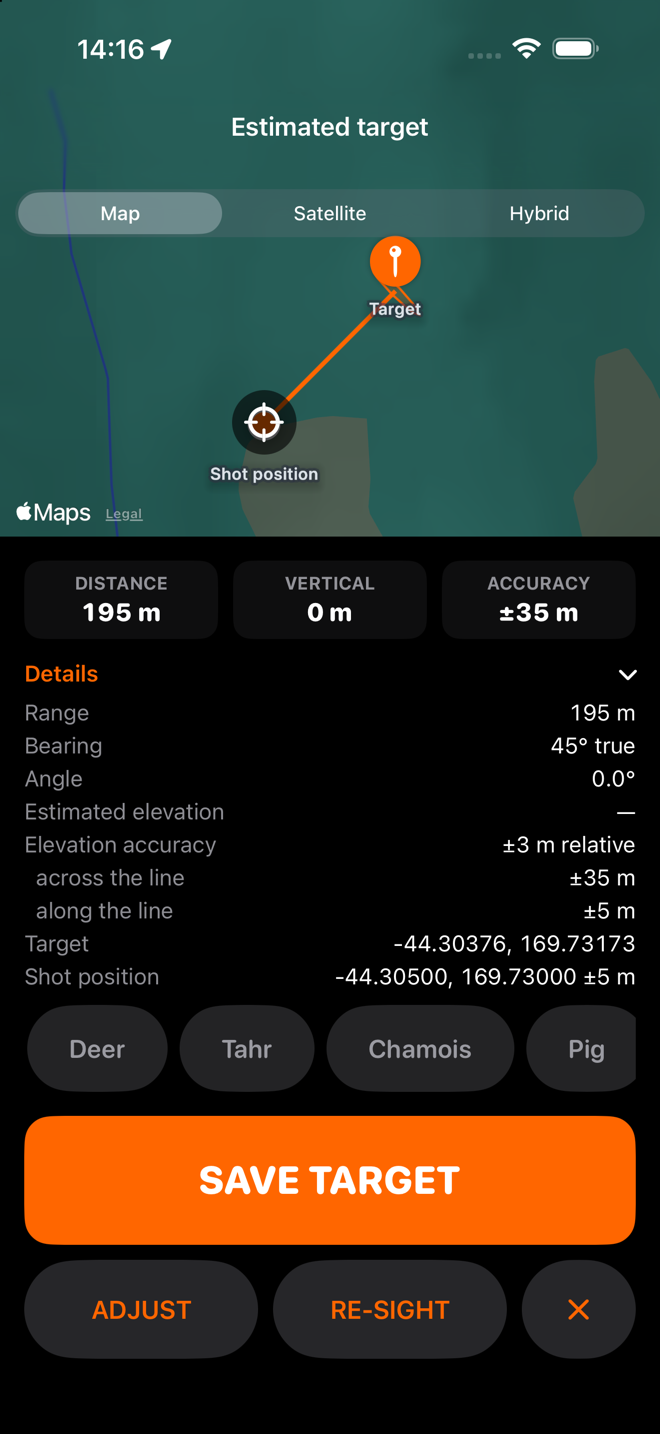
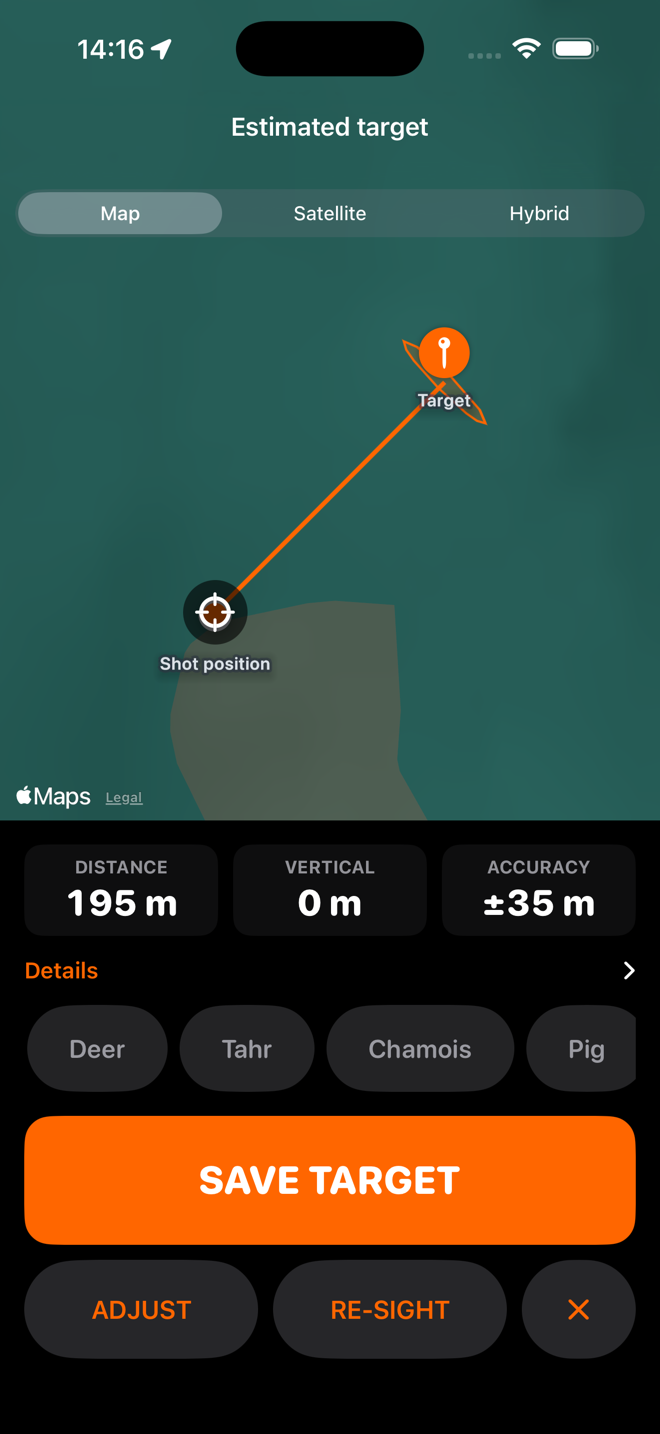
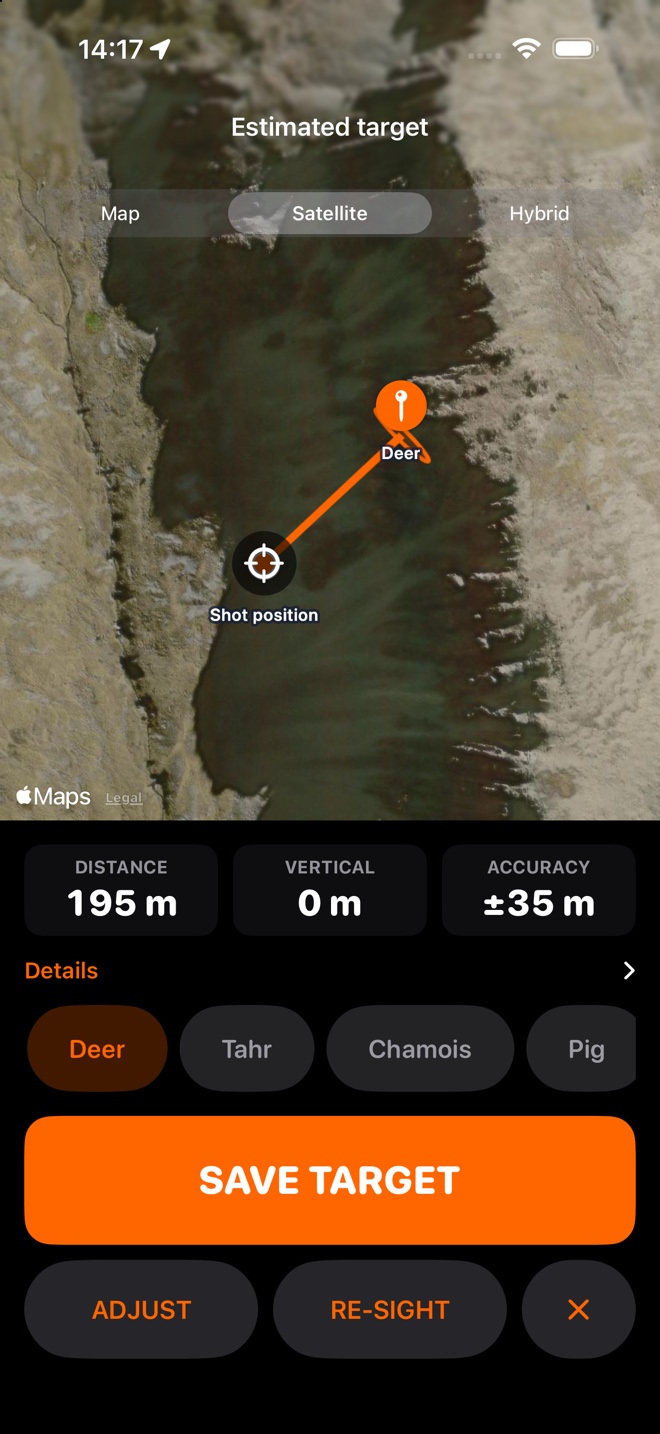
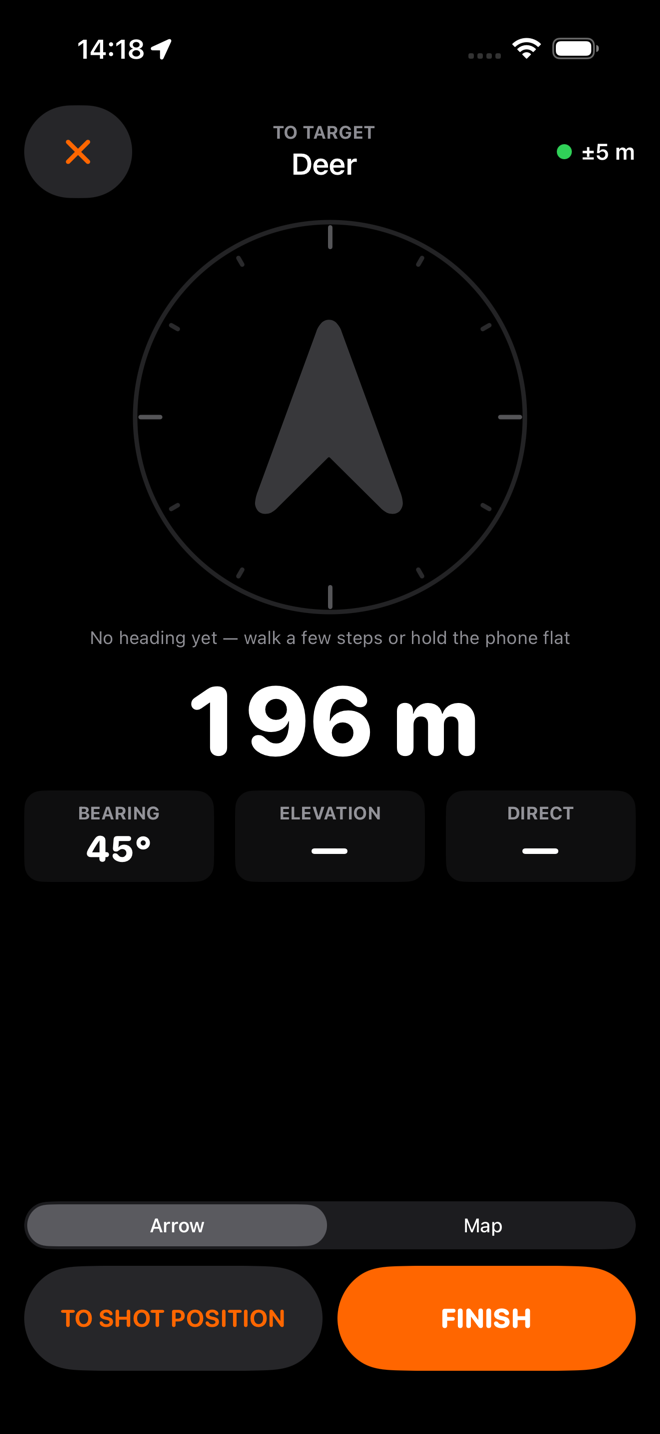
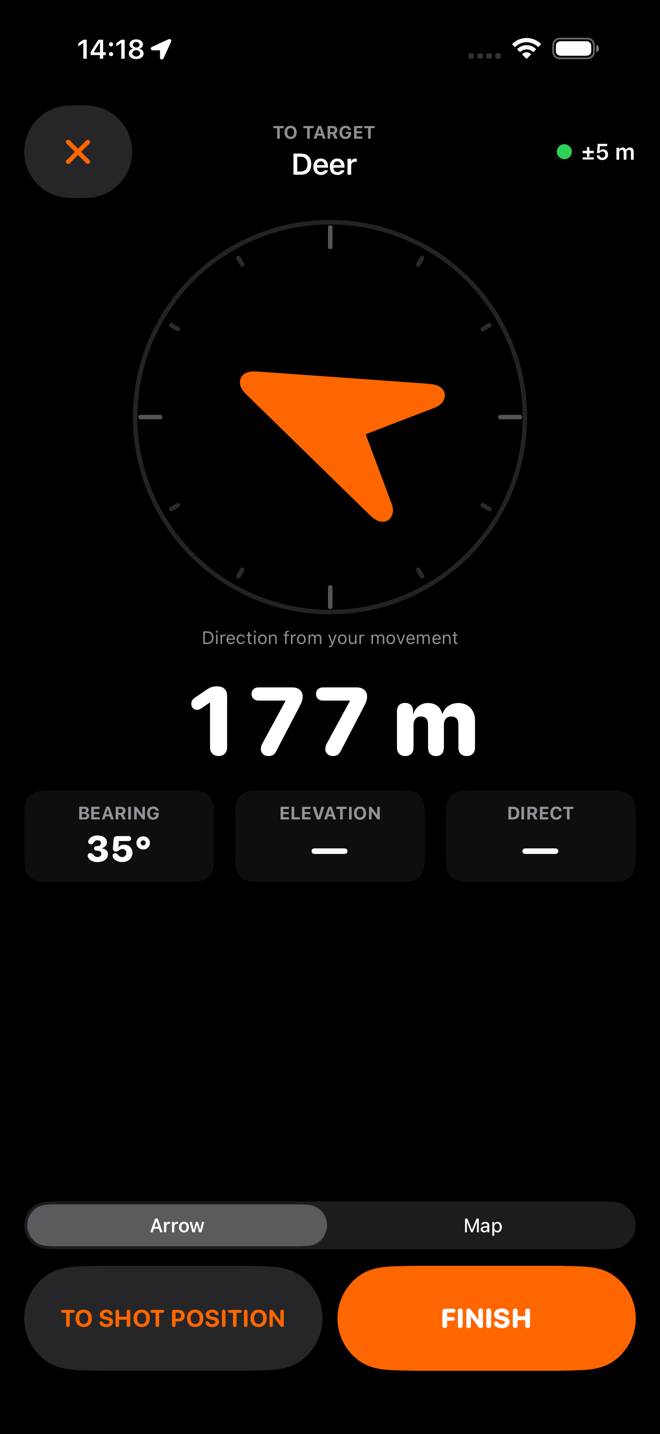
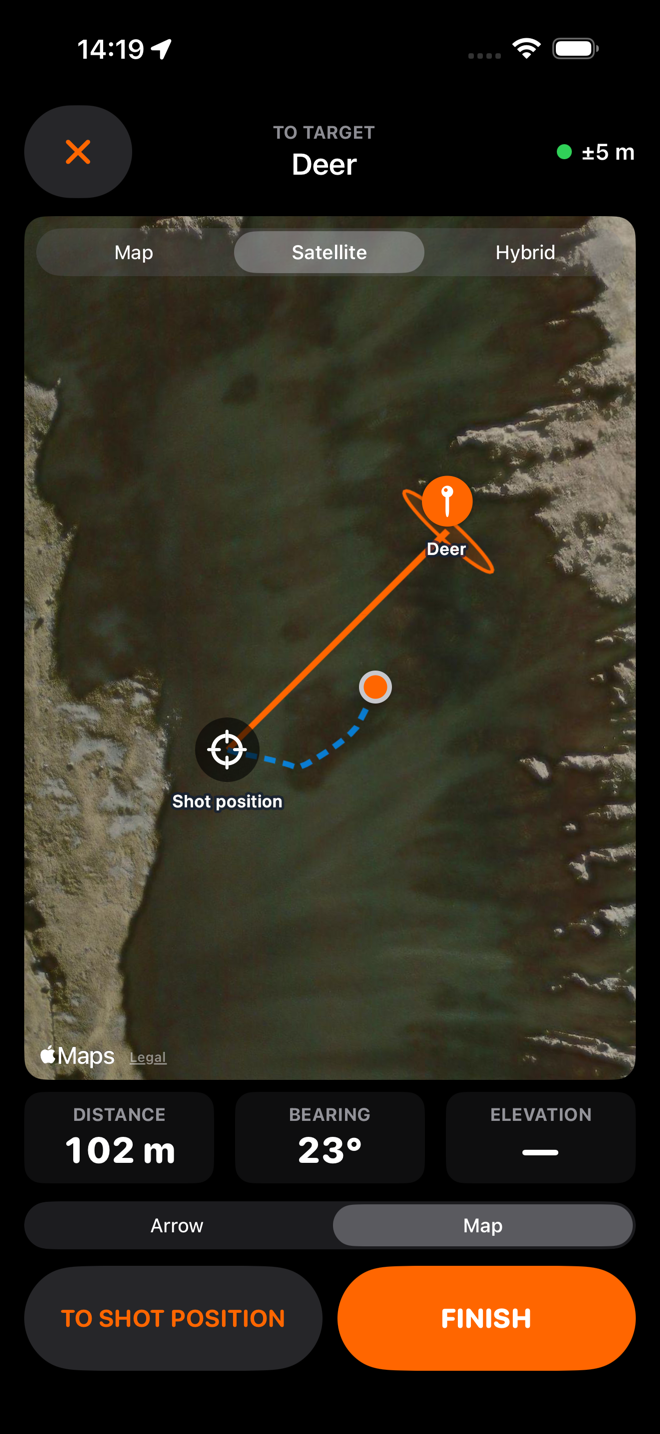
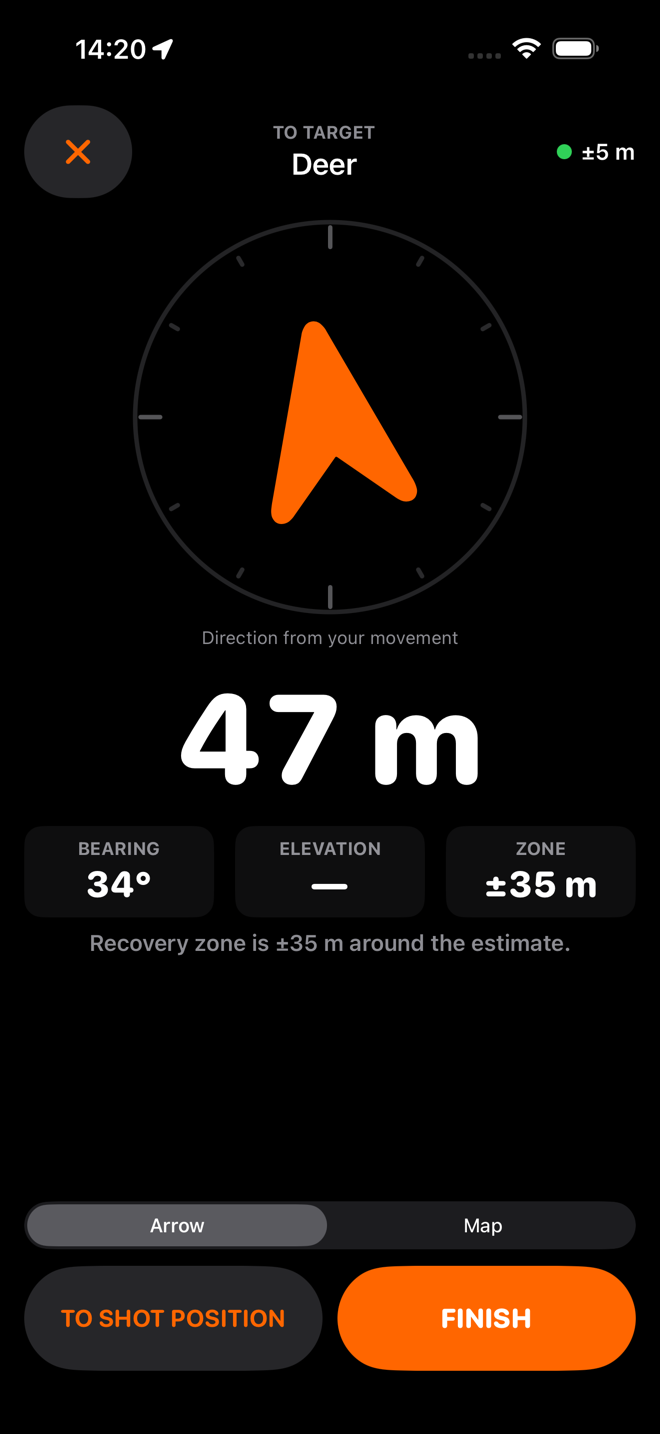
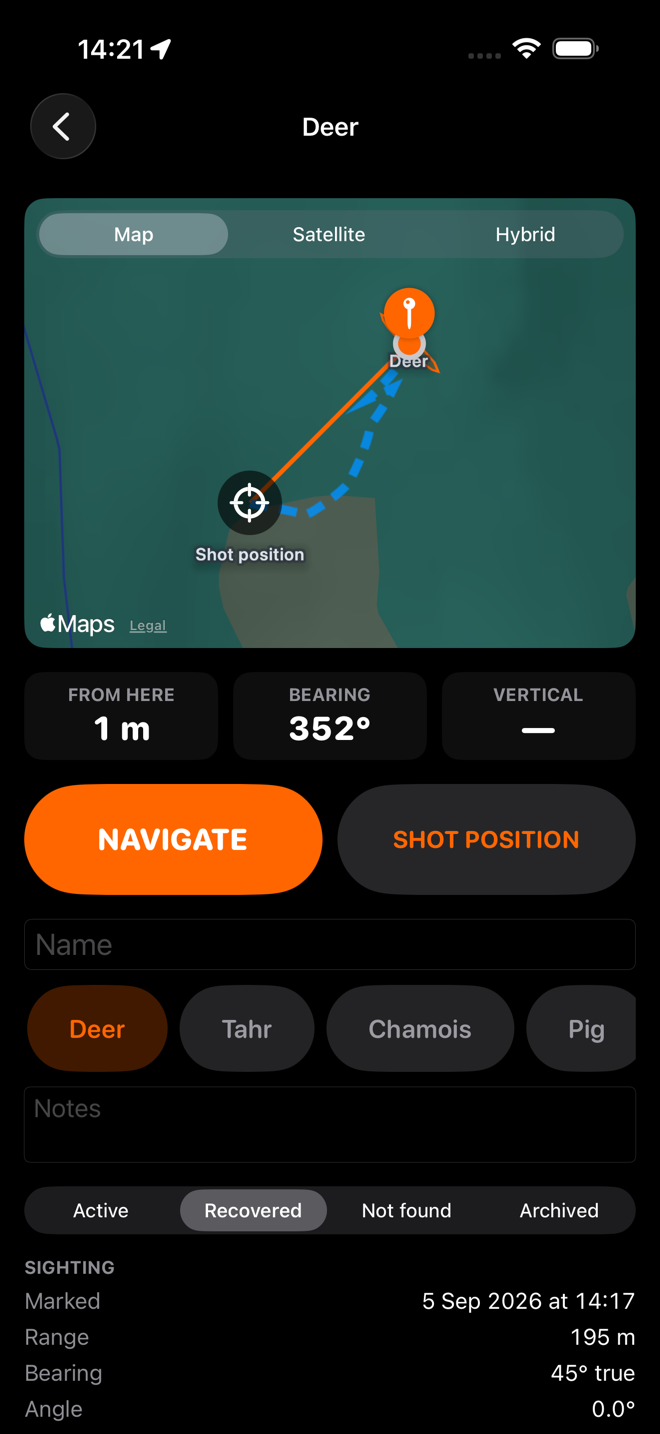
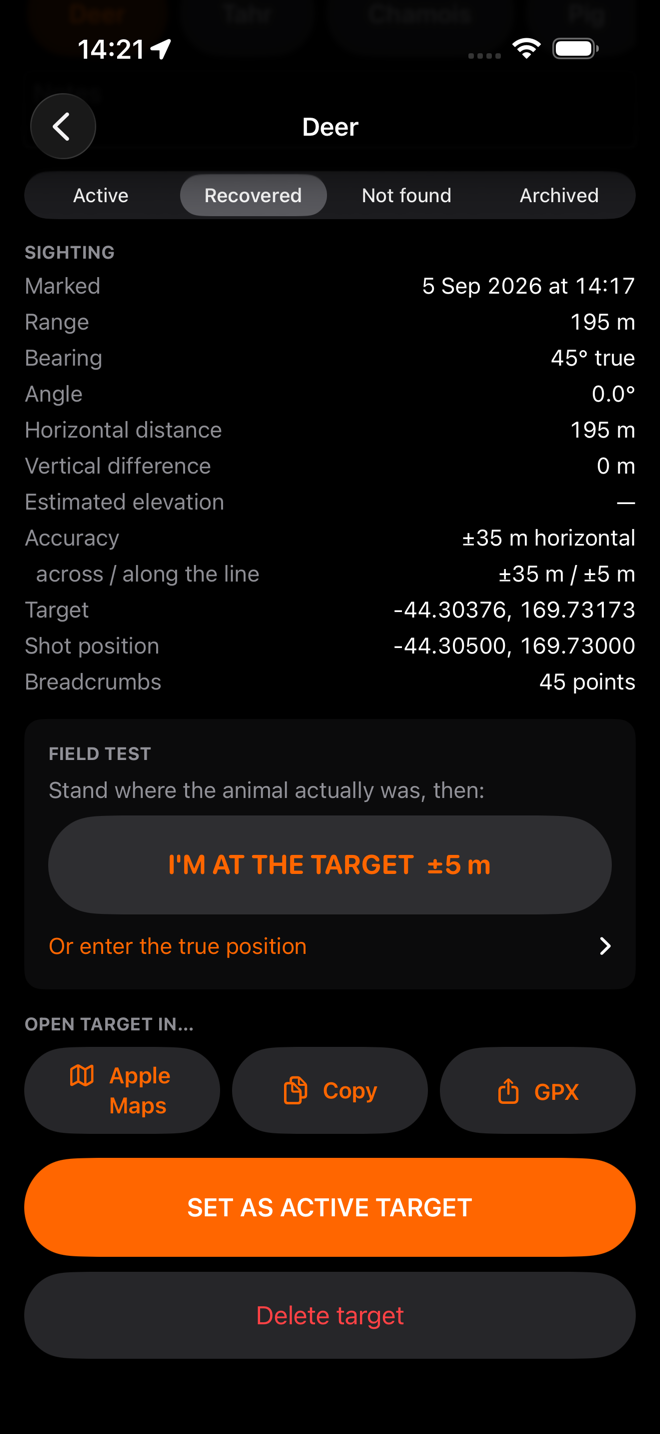
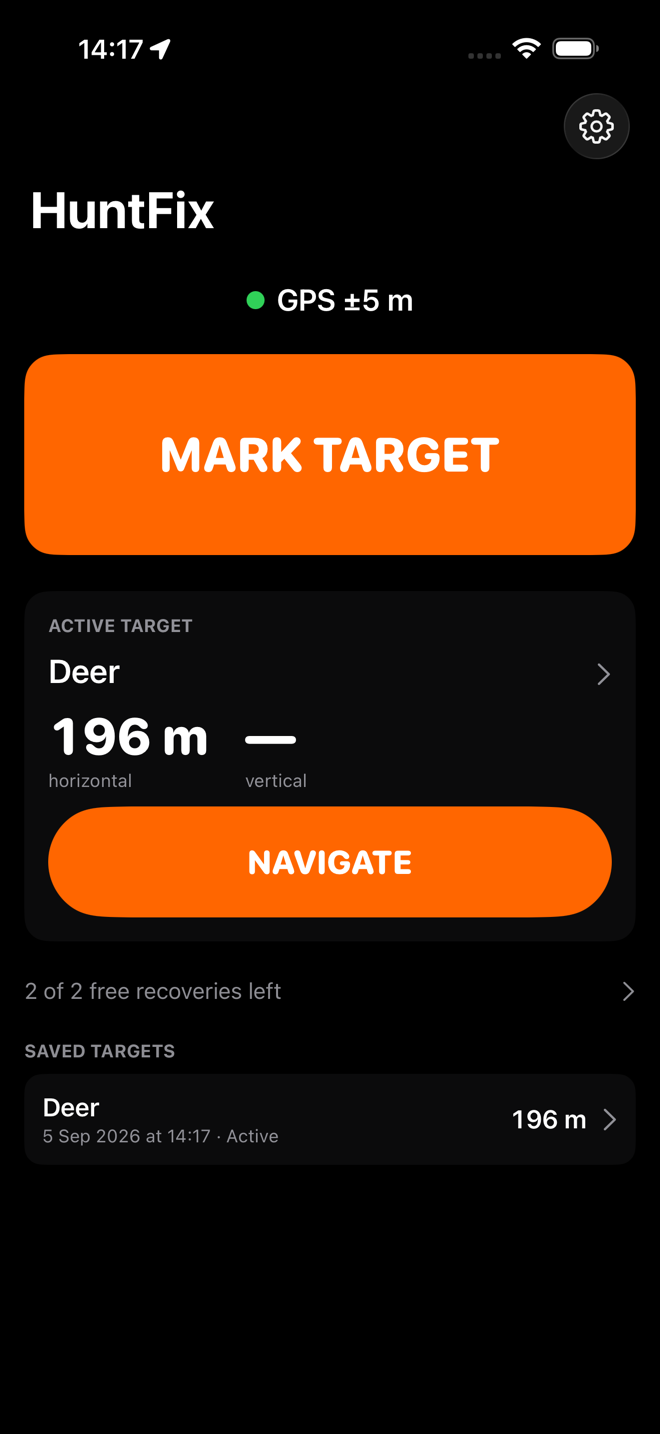
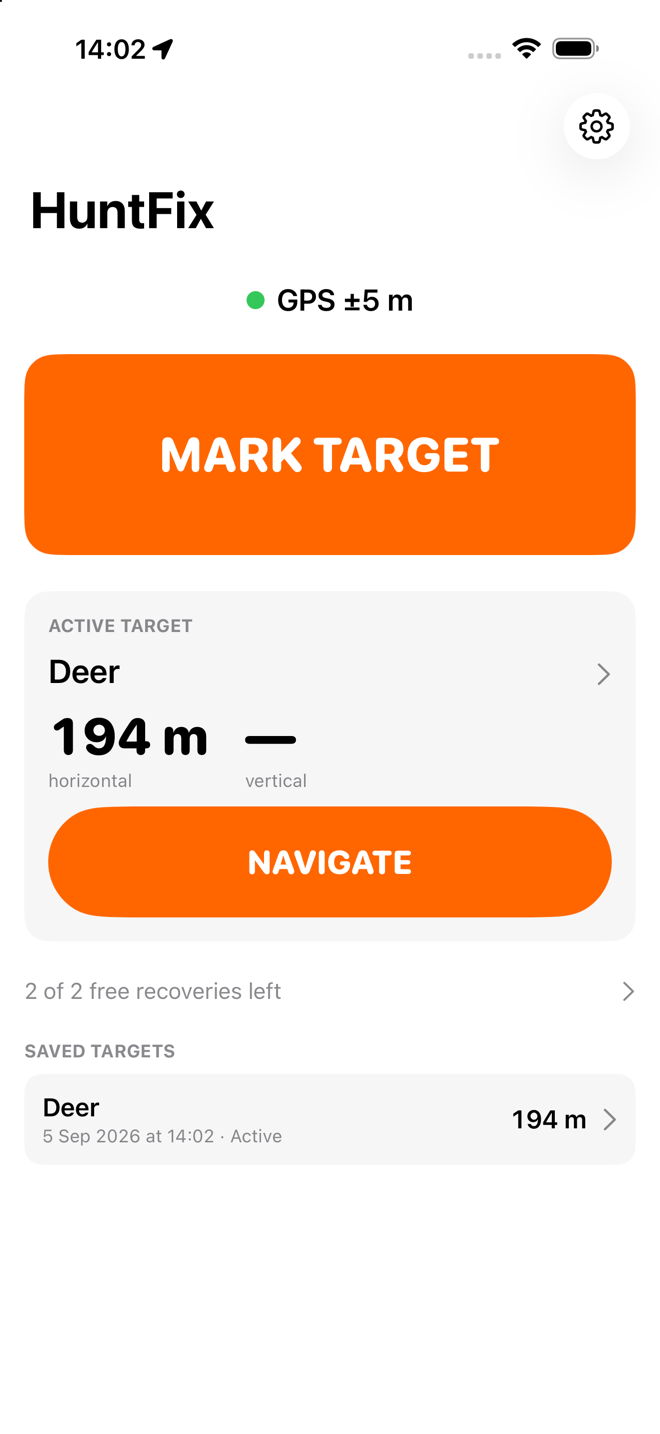
Every target, with its whole story
The sighting as measured, the solution derived from it, the photo, the trail you walked, the status, your notes, and the likely-zone breakdown. Kept indefinitely.
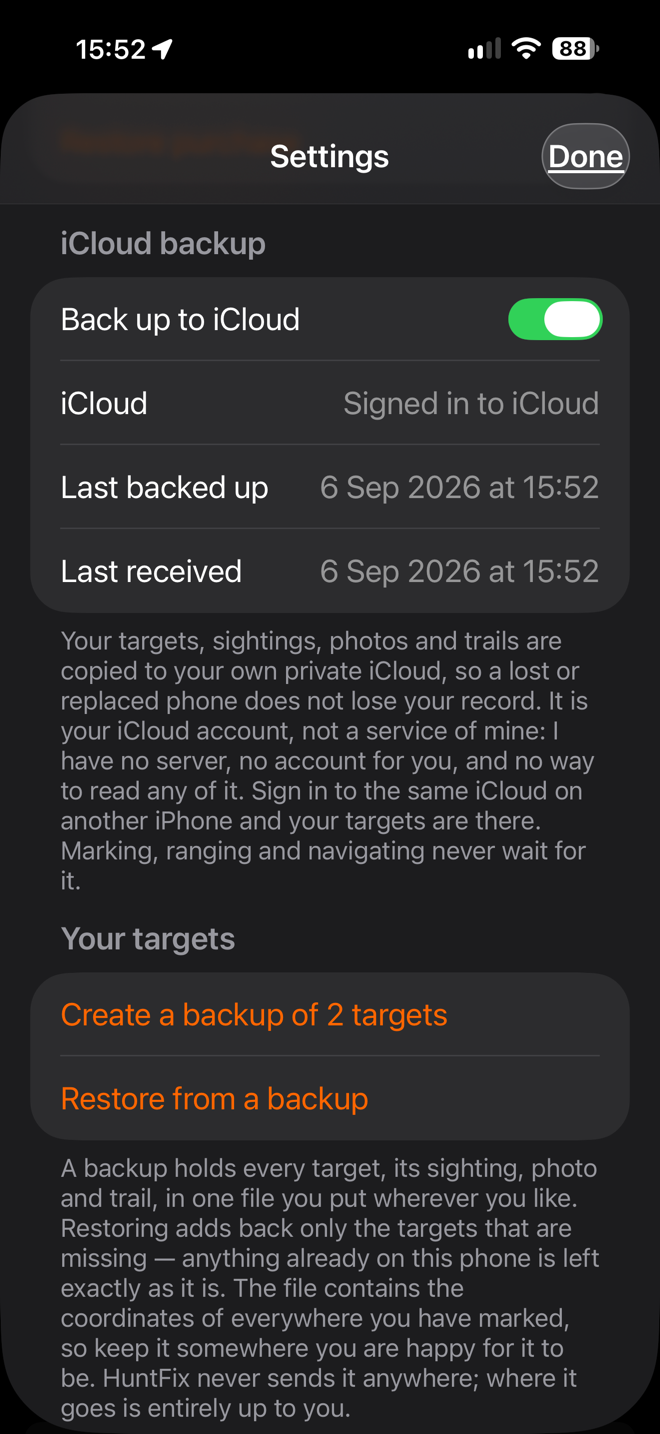
Backed up to your own iCloud
Every target, sighting, photo and trail is copied to the private storage of the Apple Account already on your phone, so a lost or replaced phone does not lose your record. Sign in on a new iPhone and they are there.
It is your iCloud, not a service of mine: I have no server and no way to read it. Settings shows when the last backup finished, and lets you turn it off or delete the iCloud copy. Nothing in the app waits for it.
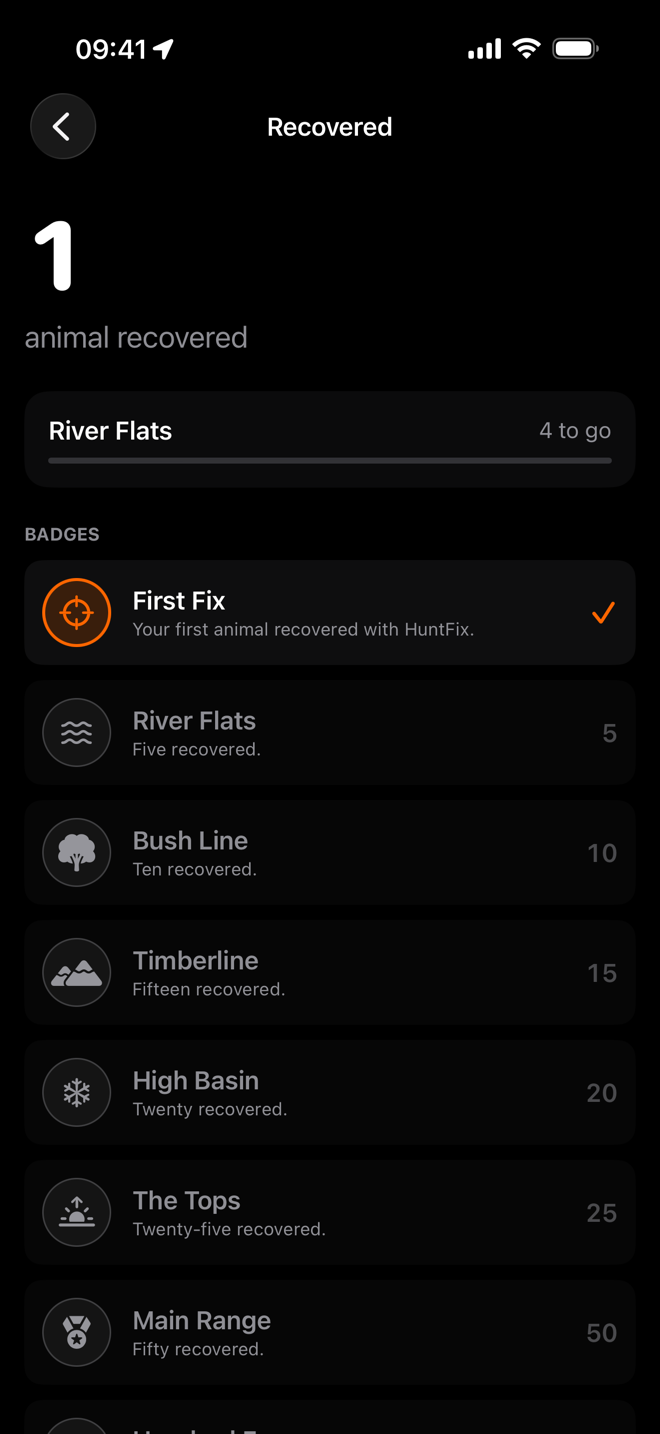
A record of what you have recovered
Every animal you mark Recovered counts, with a badge at 1, 5, 10, 15, 20, 25, 50 and 100 — First Fix through to Hundred Faces.
It is your record rather than a verified one, and the app says so: HuntFix has no way of knowing whether you found the animal, only that you tapped the button on the hill. The count comes straight from your saved targets, so it follows your backup to a new phone.
Get it out again
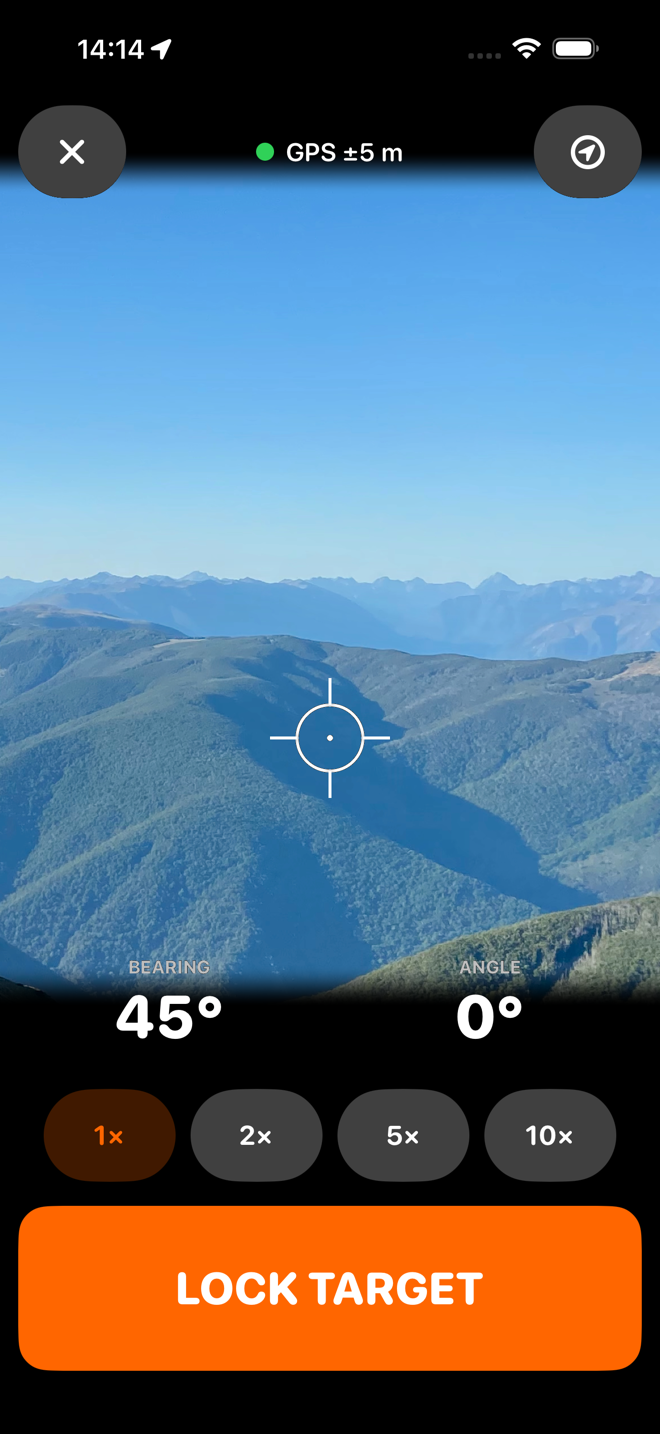
GPX export with the target, the shot position and the track. Open in Apple Maps. Copy the coordinates. A backup file of everything, for a copy that lives outside Apple. No lock on any of it.
Check the app against the truth
With the field-test tools turned on in Settings → Field testing, stand where the animal actually was and tap I'm at the target, or type the true position in. HuntFix then shows the miss distance and the bearing, distance, angle and vertical errors against what it calculated — and a summary across every test, exportable as CSV.
This is the tooling that turns "how accurate is it?" into a measured answer instead of a claim.
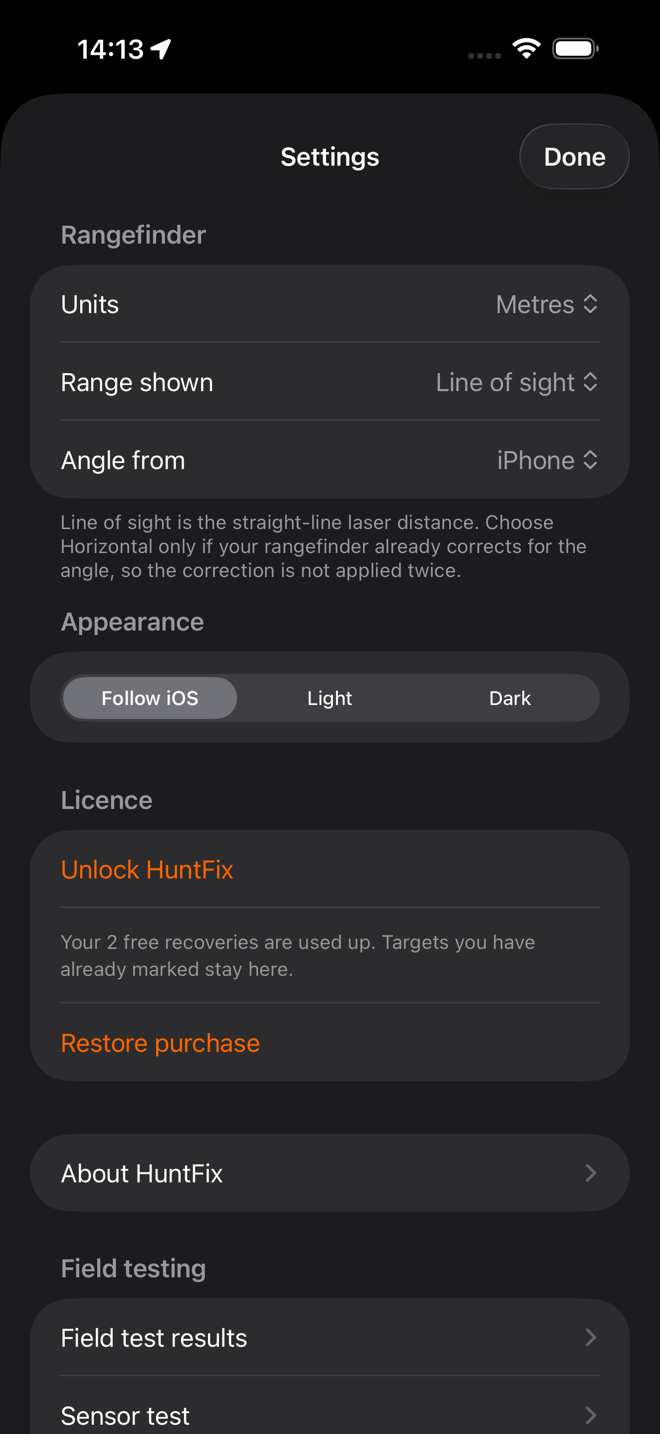
Settings worth having
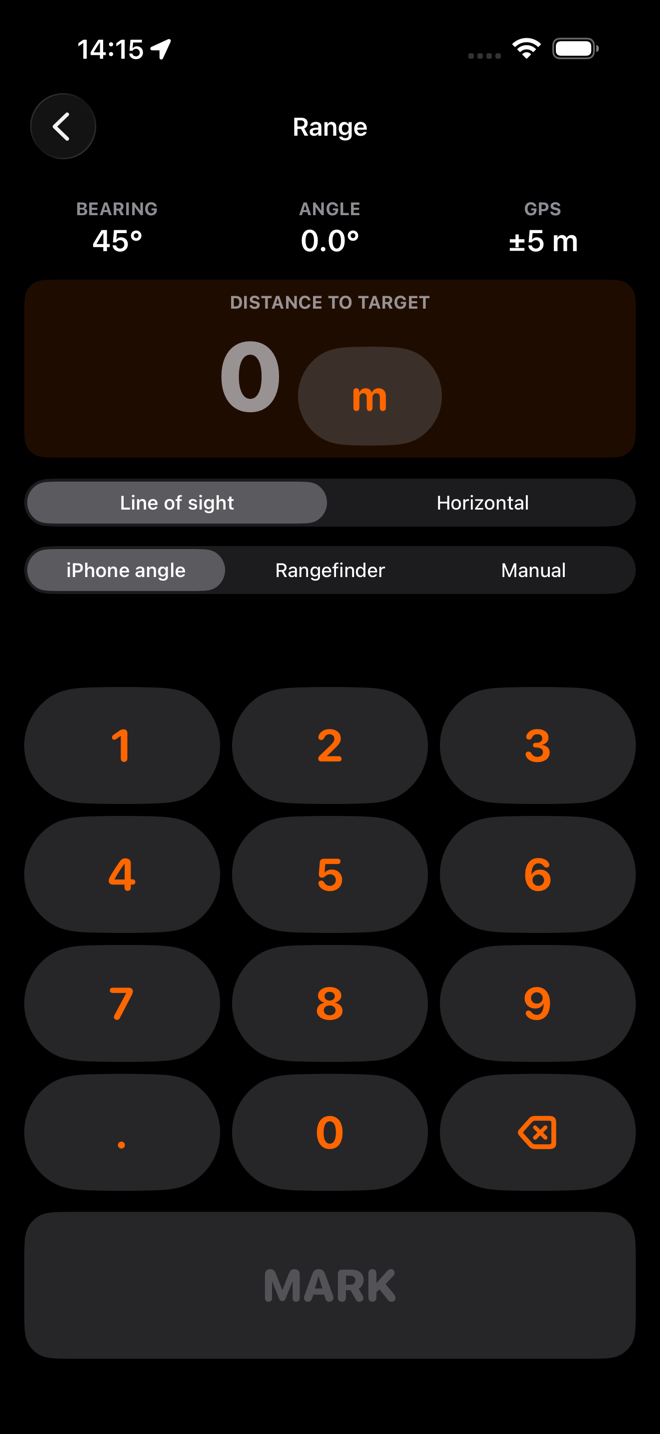
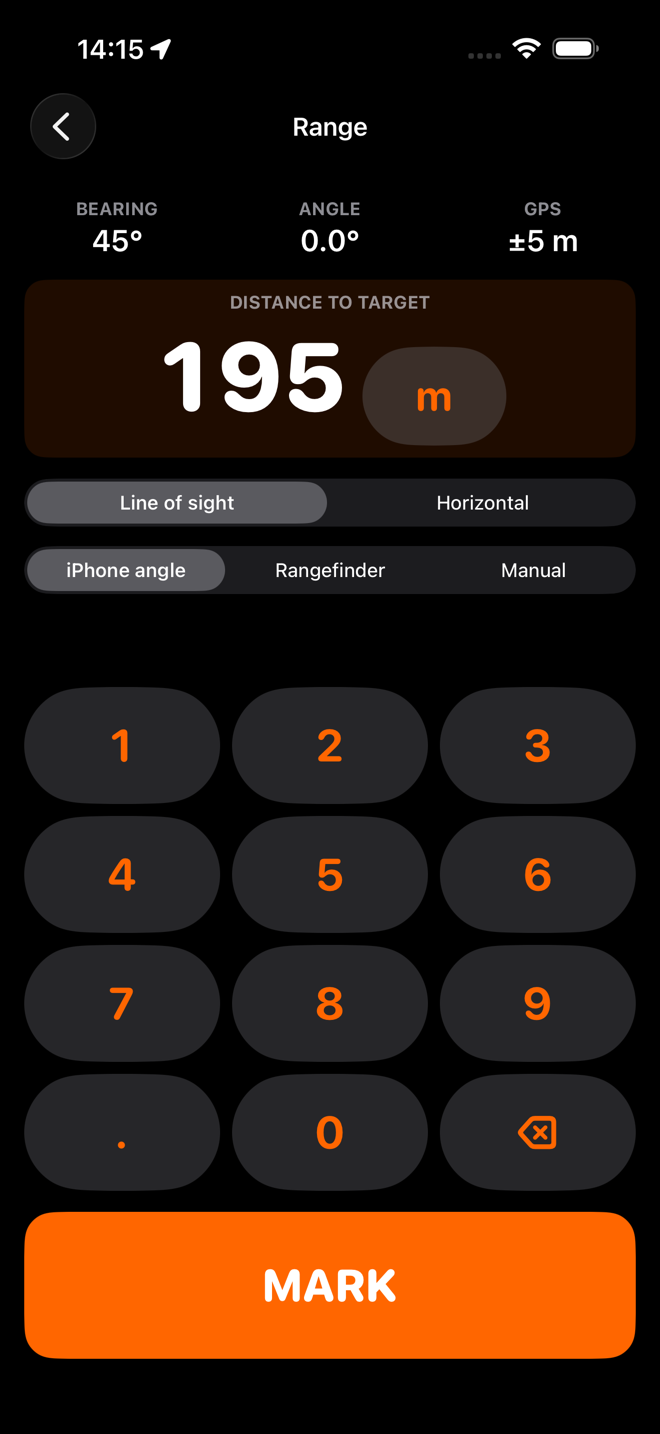
Units, range type and angle source; light, dark or follow iOS. Turn on the field-test tools and you also get a sensor screen that shows every bearing and angle source side by side, with a HOLD button so a reading can be written down.